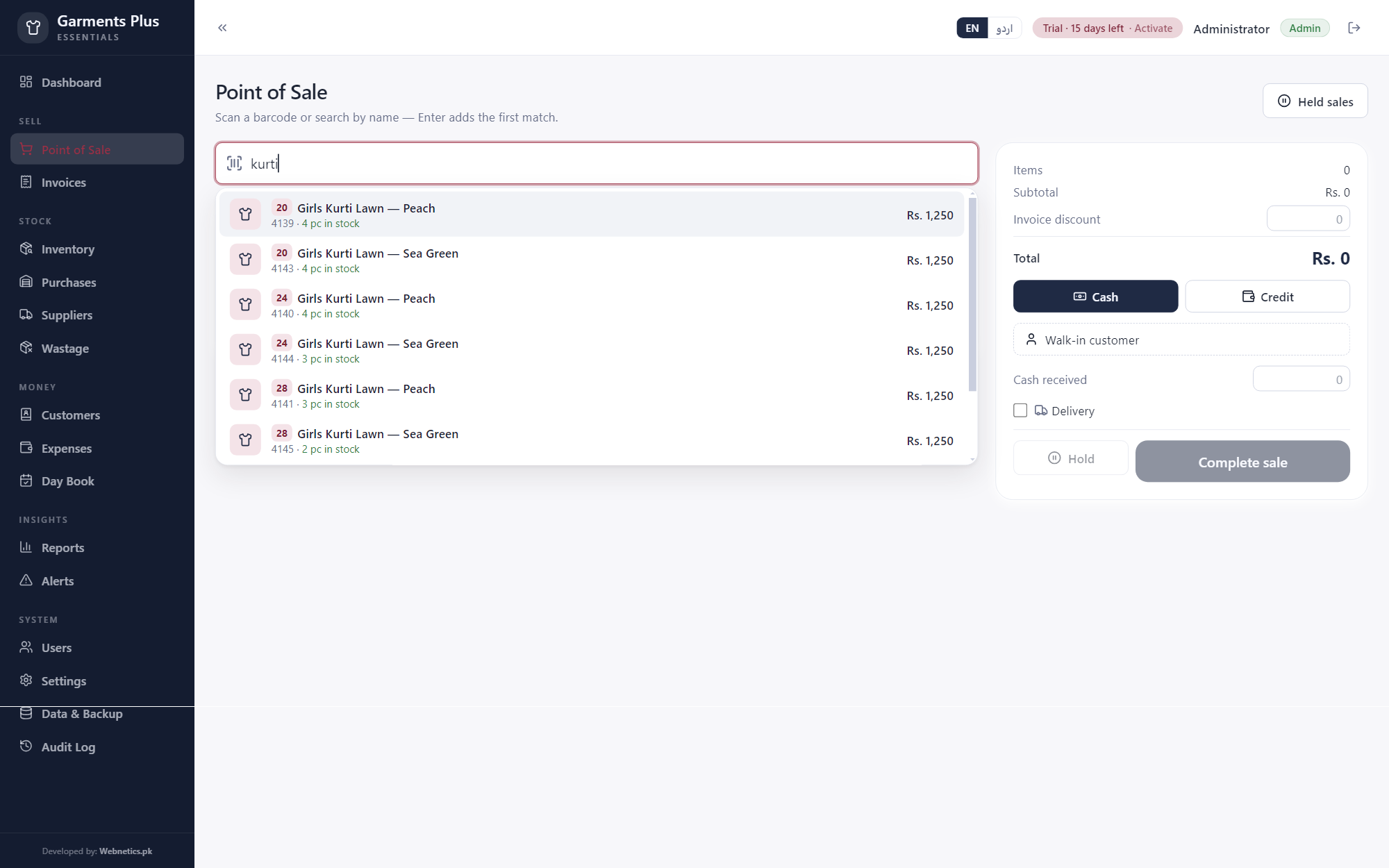
Garments Plus
For garments stores — men, women & kids.
Size × colour matrixA whole rack in one clickSeason tags — kill dead stock
Billing, stock, khata and profit for a parts counter — every part by its number, its vehicle, its grade and its rack. One fast program that works without internet, in English or اردو.
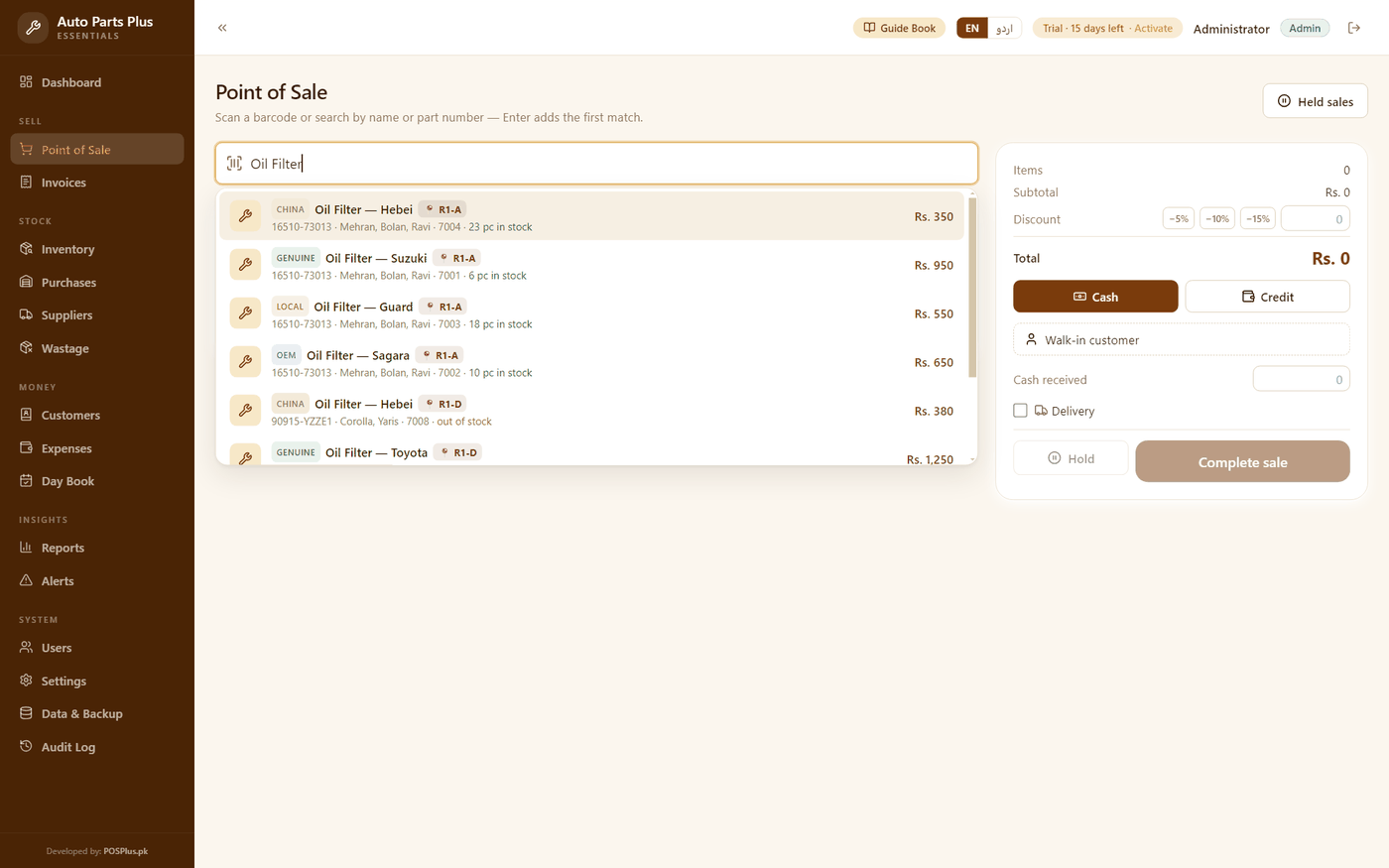
The counter answers at a glance:
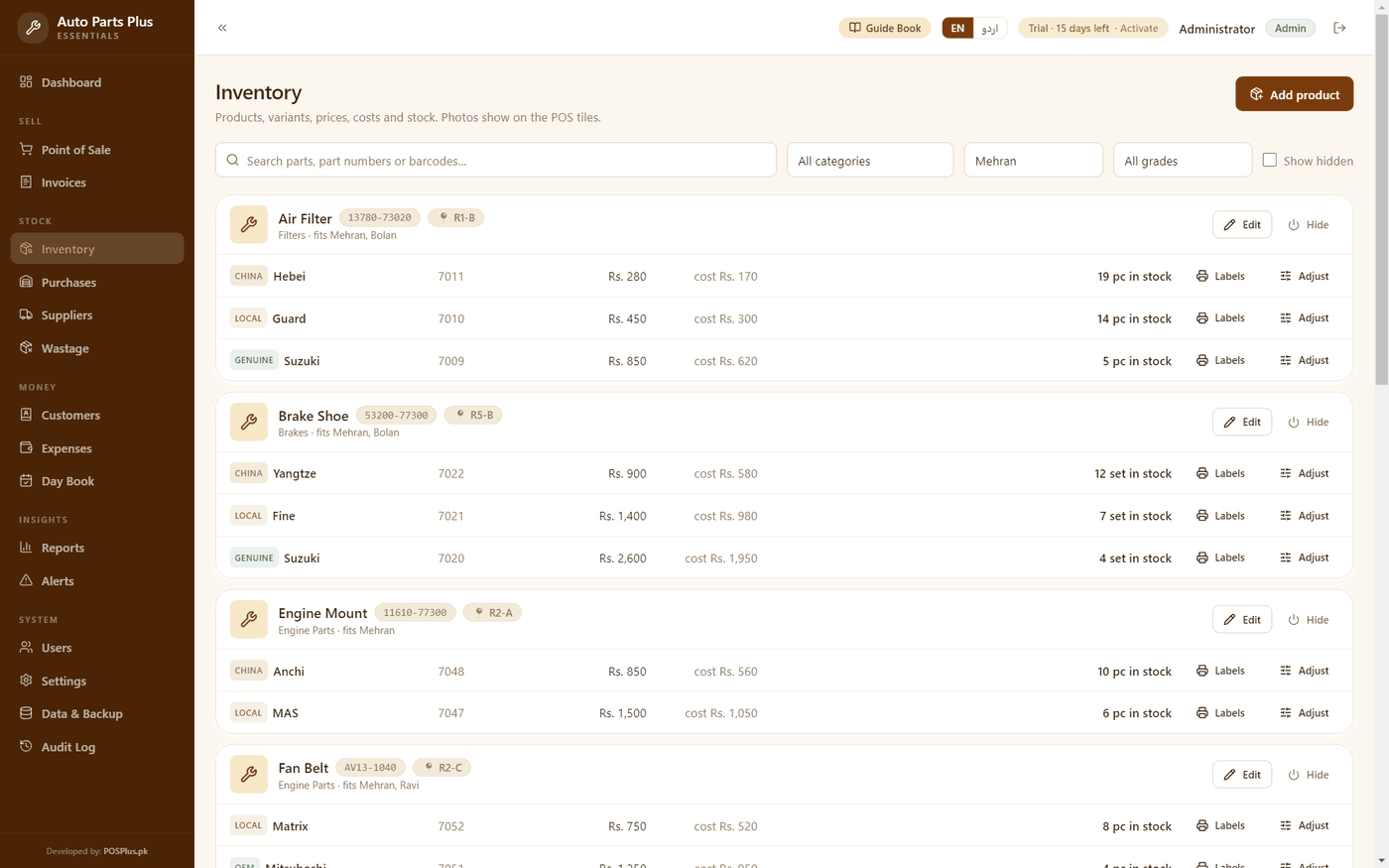
…numbers, racks, grades — the jungle, mapped
Built for how Auto Parts Plus customers actually sell — not generic retail rows.
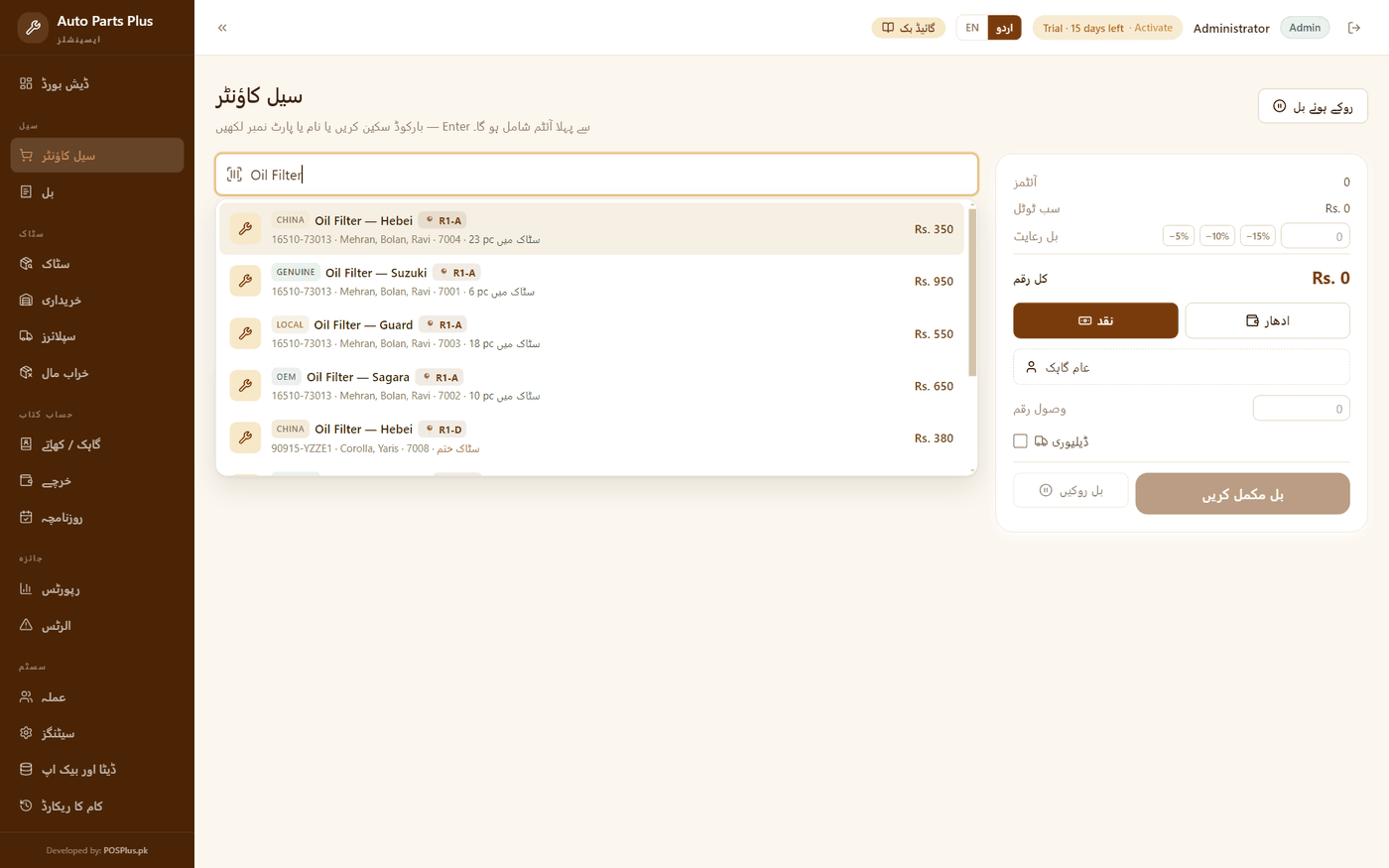
Customers ask by number as often as by name — “15208 hai?”. Type the name OR the number (or scan a barcode) and the part is on the bill. Cross numbers welcome; they are free text.
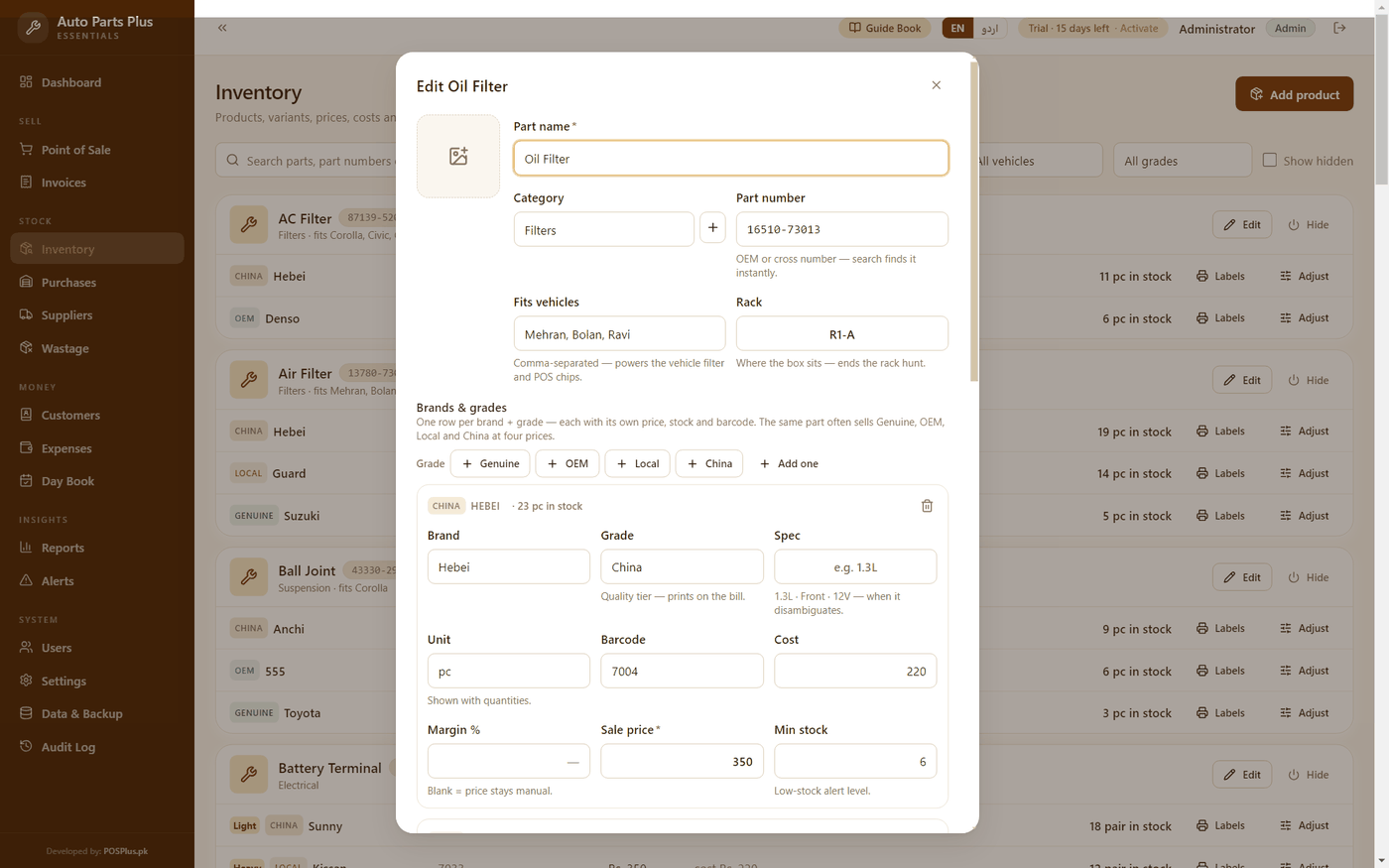
The same oil filter sells Genuine, OEM, Local and China at four prices. One click per grade lays down the rows, a colour-coded badge tells them apart everywhere — and the grade prints on the bill, so a Genuine sale can never be confused with a China one.
Three thousand boxes and one boy at the counter. Every part carries its rack label — R3-B, Godown 2 — printed as a chip right in the search results. The rack hunt is over.
Tag each part with the vehicles it fits — Mehran, Bolan, Corolla 2015+. One filter answers the counter's oldest question: “is gaari ka kya hai?”
“All Filters −15%” is one dropdown and a number. Every part in the category rings up discounted automatically, shown as a SALE chip the cashier can still override per line.
One tap switches the whole counter to shopkeeper Urdu — سیل کاؤنٹر، سٹاک، ادھار، بل. Not book Urdu; the words your staff actually say.
No internet? No problem. Billing, stock and reports all run on your own computer — load-shedding proof.
Mechanics bring spare parts back — it is how the trade works. Return in seconds, and because the grade is printed on every line, a China part can never come back against a Genuine bill.
Workshops run on udhaar. Proper ledgers — balances, receipts, advances. Take part payment at the counter and the rest goes to the khata, split correctly, with a printed voucher.
Stock-in by the carton, supplier ledger and payments, purchase returns — and attach a photo of the supplier's slip so the parchi never goes missing again.
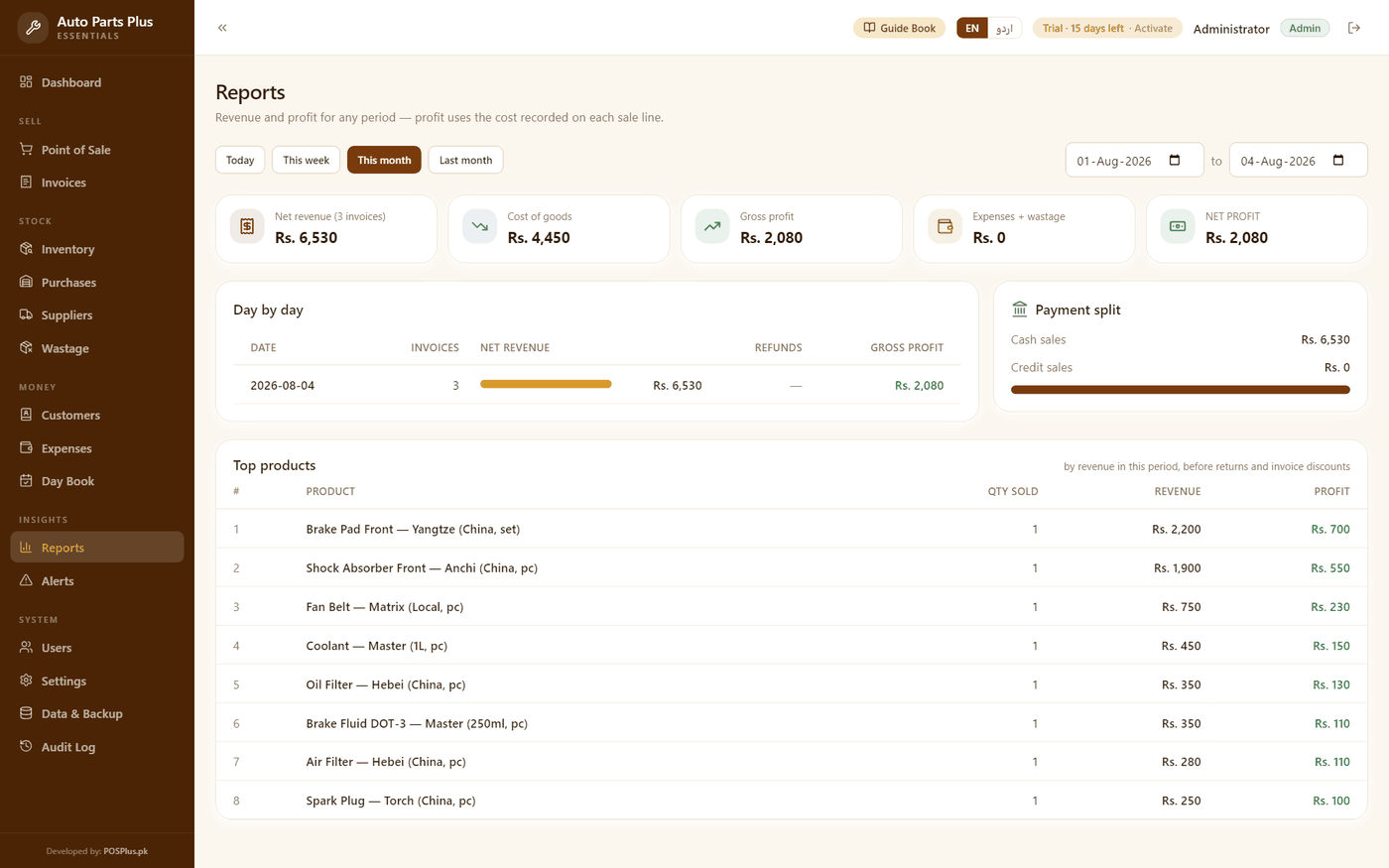
Daily sales, cost of goods, gross and net profit — computed from the actual cost at the time of each sale, grade by grade.
Admin, manager and cashier roles — cashiers never see costs, every sensitive action is logged. Hourly backups with one-click USB copy, and your whole parts list imports from Excel, numbers, racks and grades included.
Every other POS assumes a product is a name and a price. A parts counter knows better: the same filter sells in four qualities, the customer asks for it by number, and the box is buried in a rack the new boy cannot find. This one program carries the number, the grade, the vehicle and the rack on every part — and tells them apart on the bill.
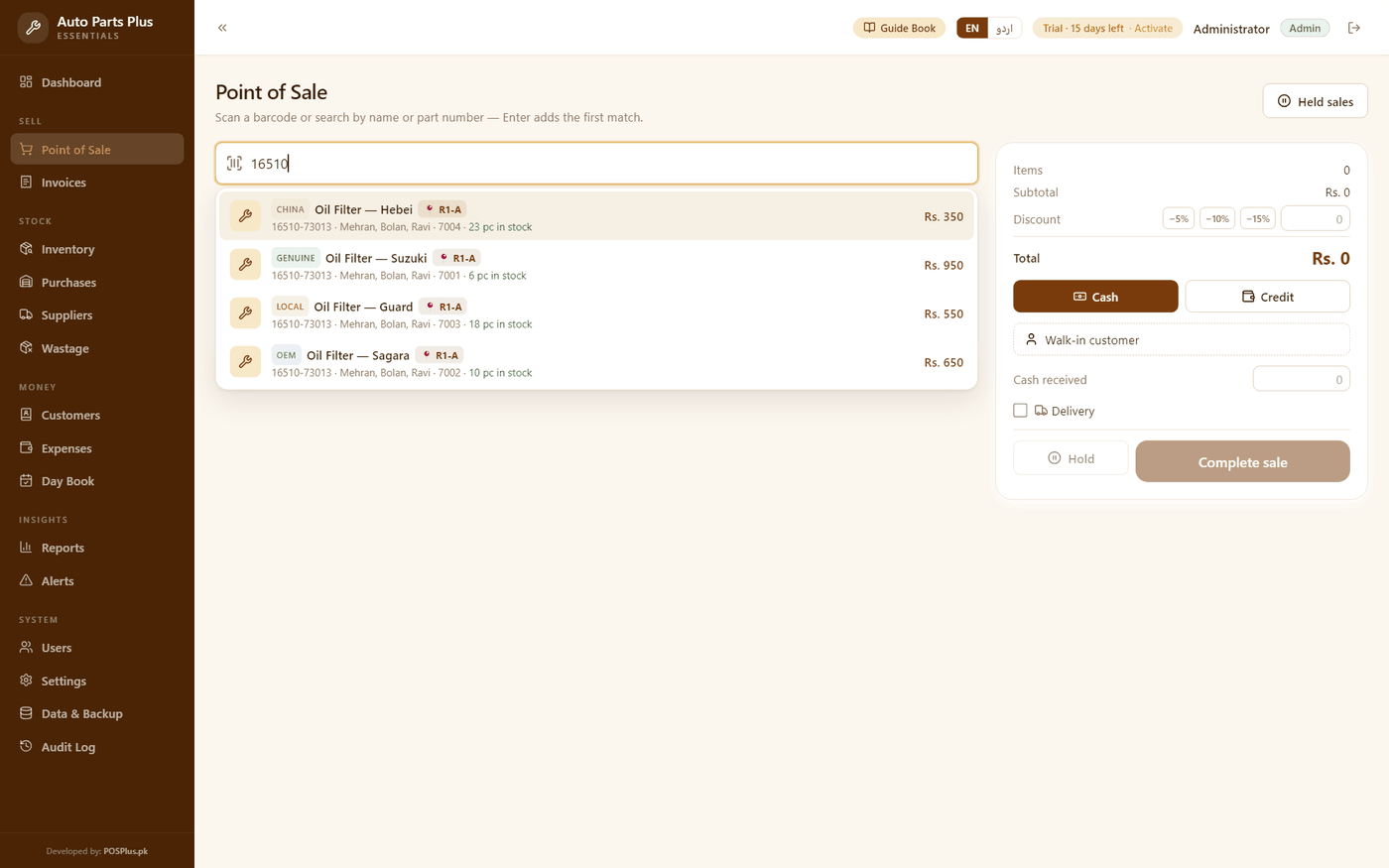
Typed the number — got the part, its grade, its price and its rack
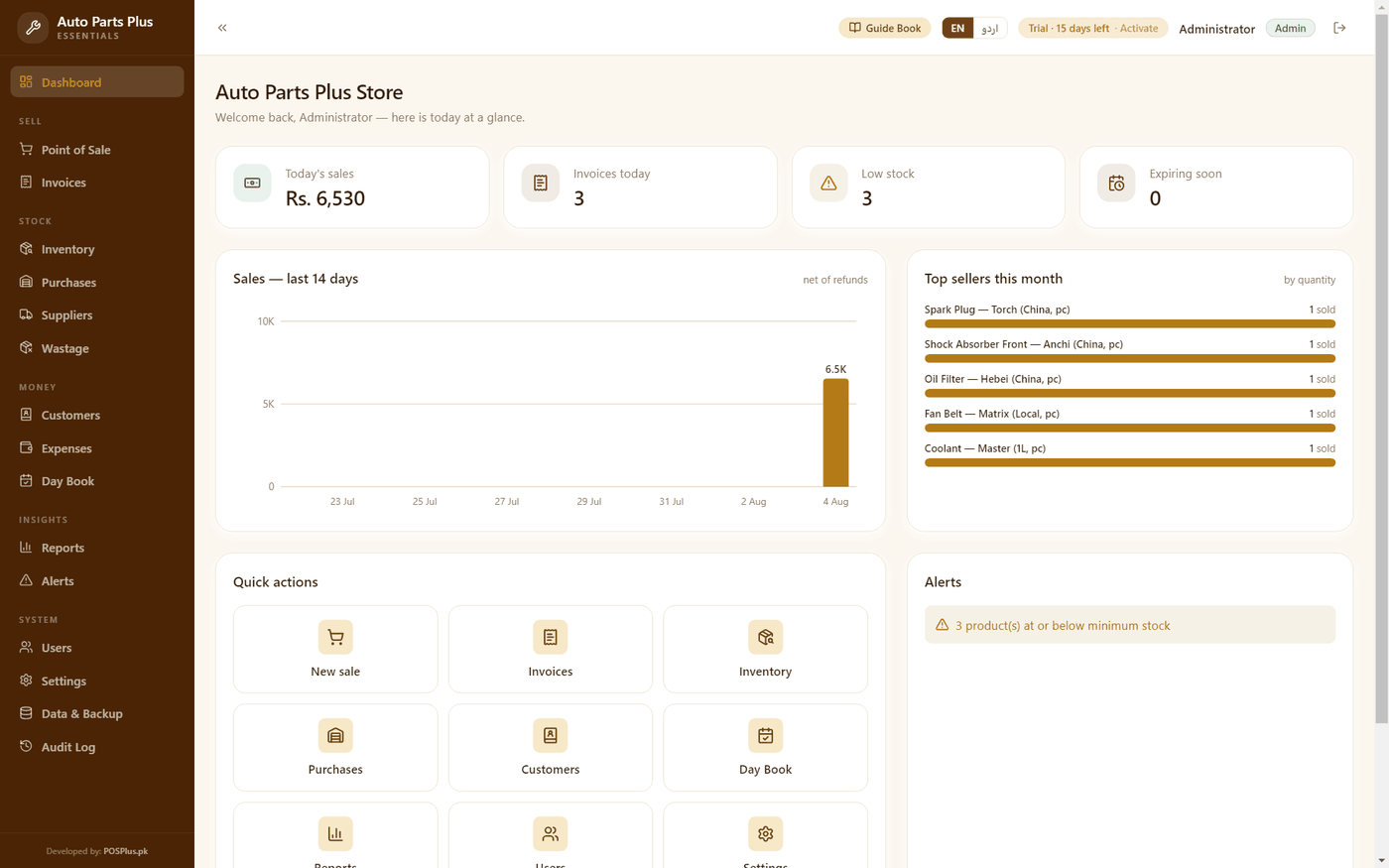
Every image is a real capture from the running software — no mockups.
 Demo video coming soon
Screenshots above are real captures from the app — the 40-second tour is on its way.
Install Auto Parts Plus and use everything free for 15 days — no card, no signup.
Bank transfer — account details right on this page. One-time price, no monthly fees, ever.
Send your name, machine code and receipt — your key arrives fast. Paste it in the app, done forever.
Full features for 15 days. Installs on any Windows 10/11 PC in under a minute.
 Auto-Parts-Plus-Setup.exe
v1.75.0 · 124.2 MB · Windows 10/11
Windows may show a blue “SmartScreen” notice — click More info → Run anyway. It appears because we’re a new publisher, not because anything is wrong.
Rs. 35,000 Lifetime · one computer · no monthly fees
Your key is locked to this one computer by its machine code and works forever — activation takes one paste in the app.
Same offline engine, same one-time price — each built for its own trade.
For garments stores — men, women & kids.
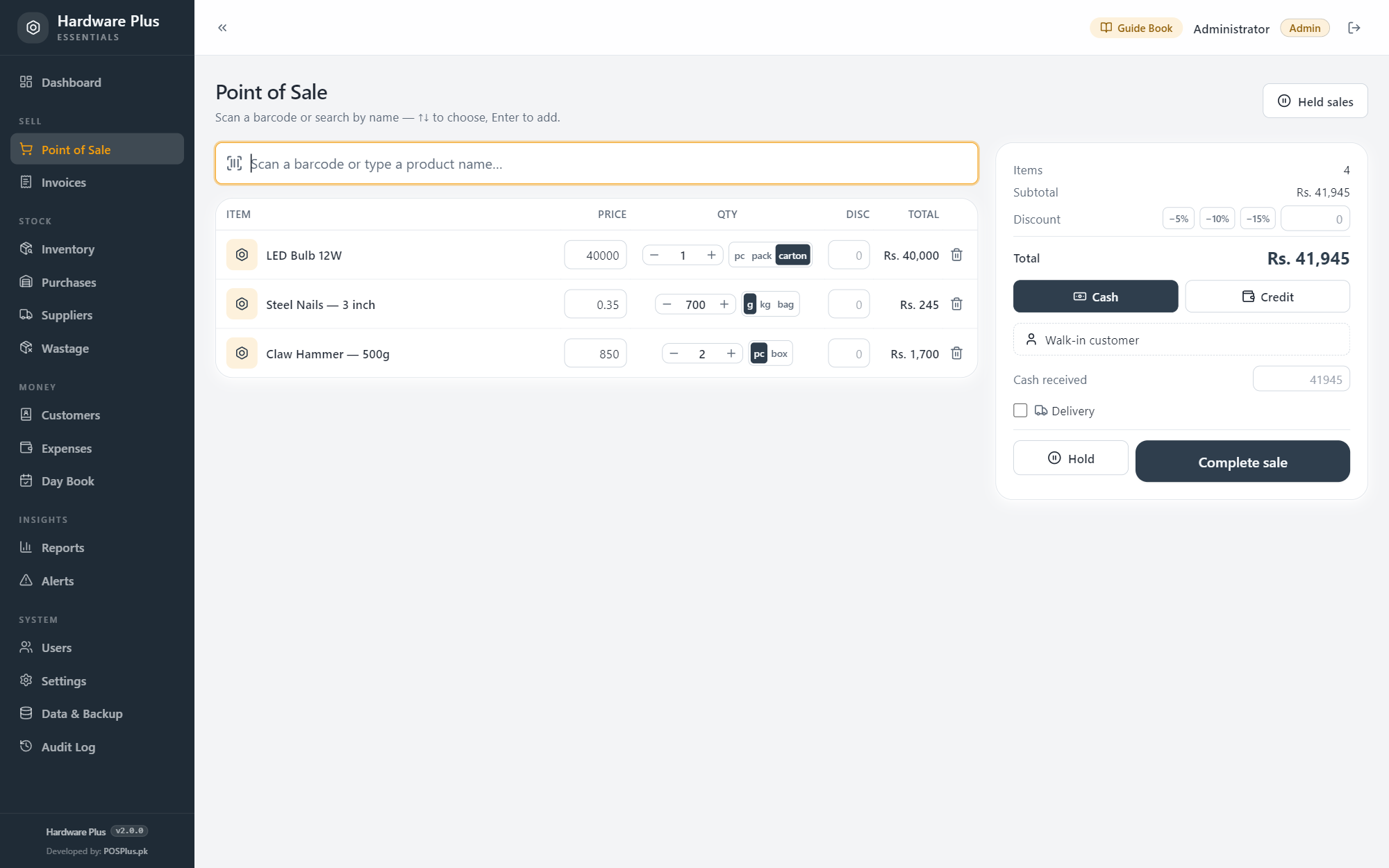
For hardware shops — one item, three prices, one honest stock figure.
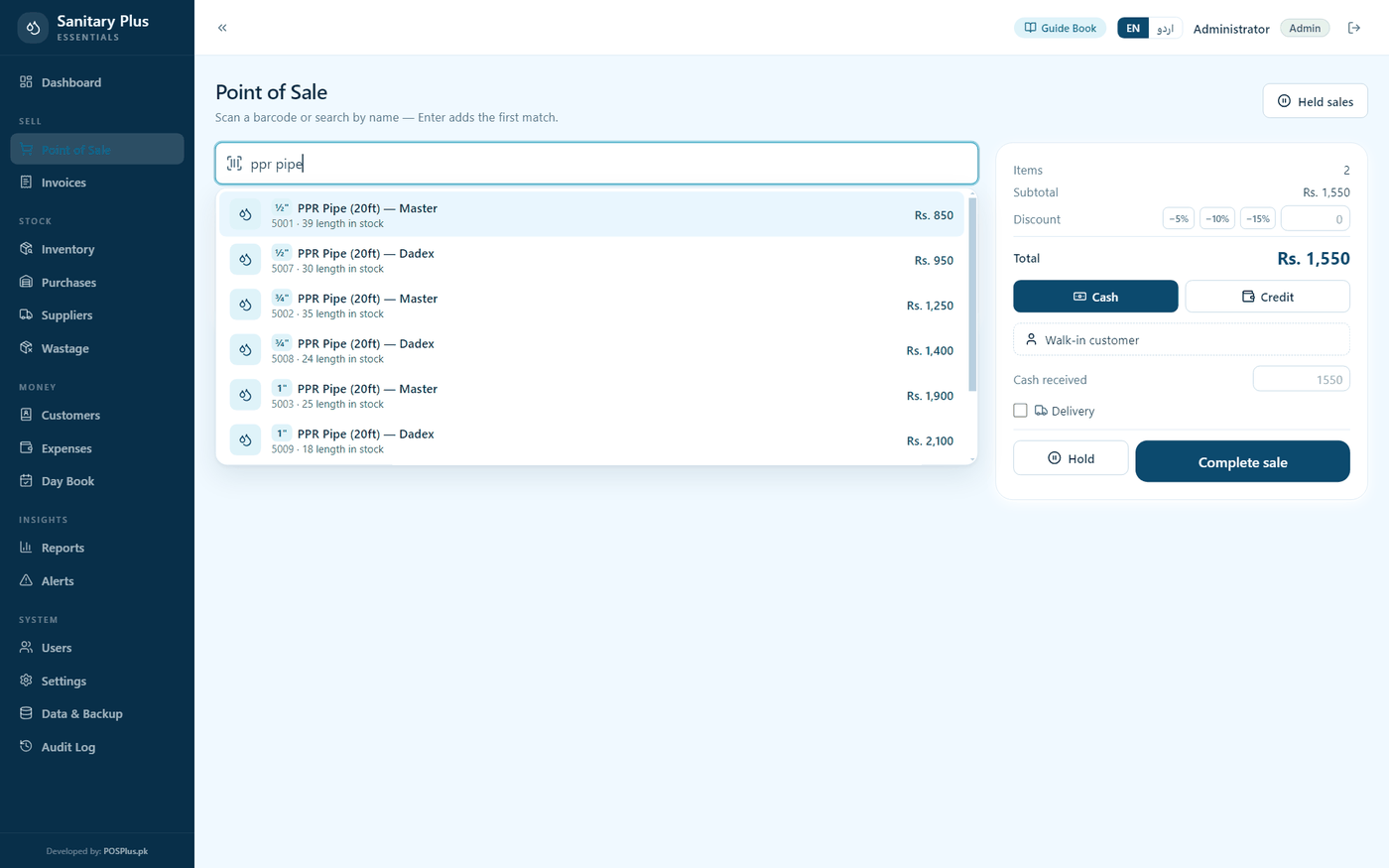
For sanitary & plumbing stores.
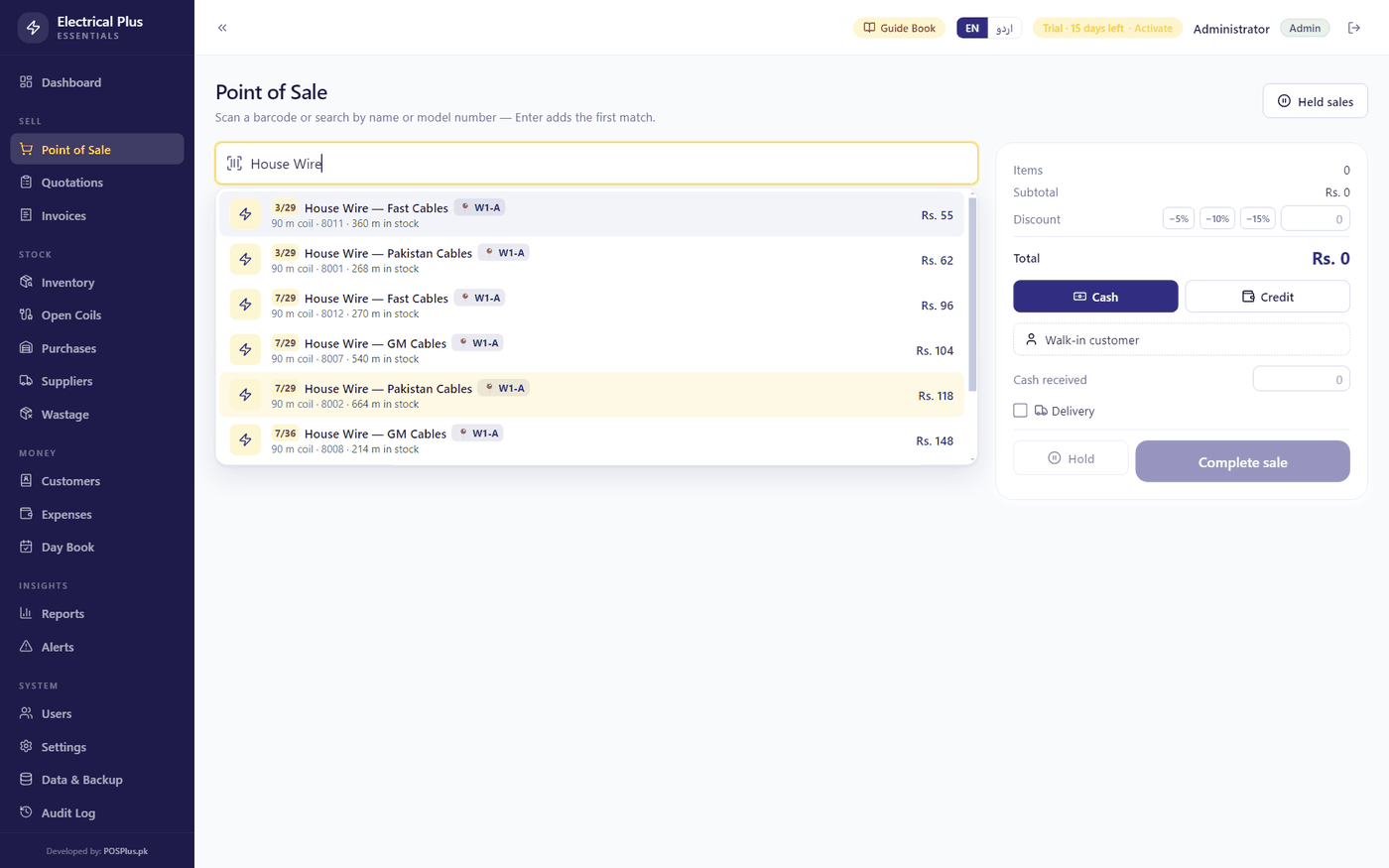
For electrical goods shops — wire by the meter, quotes by the house.
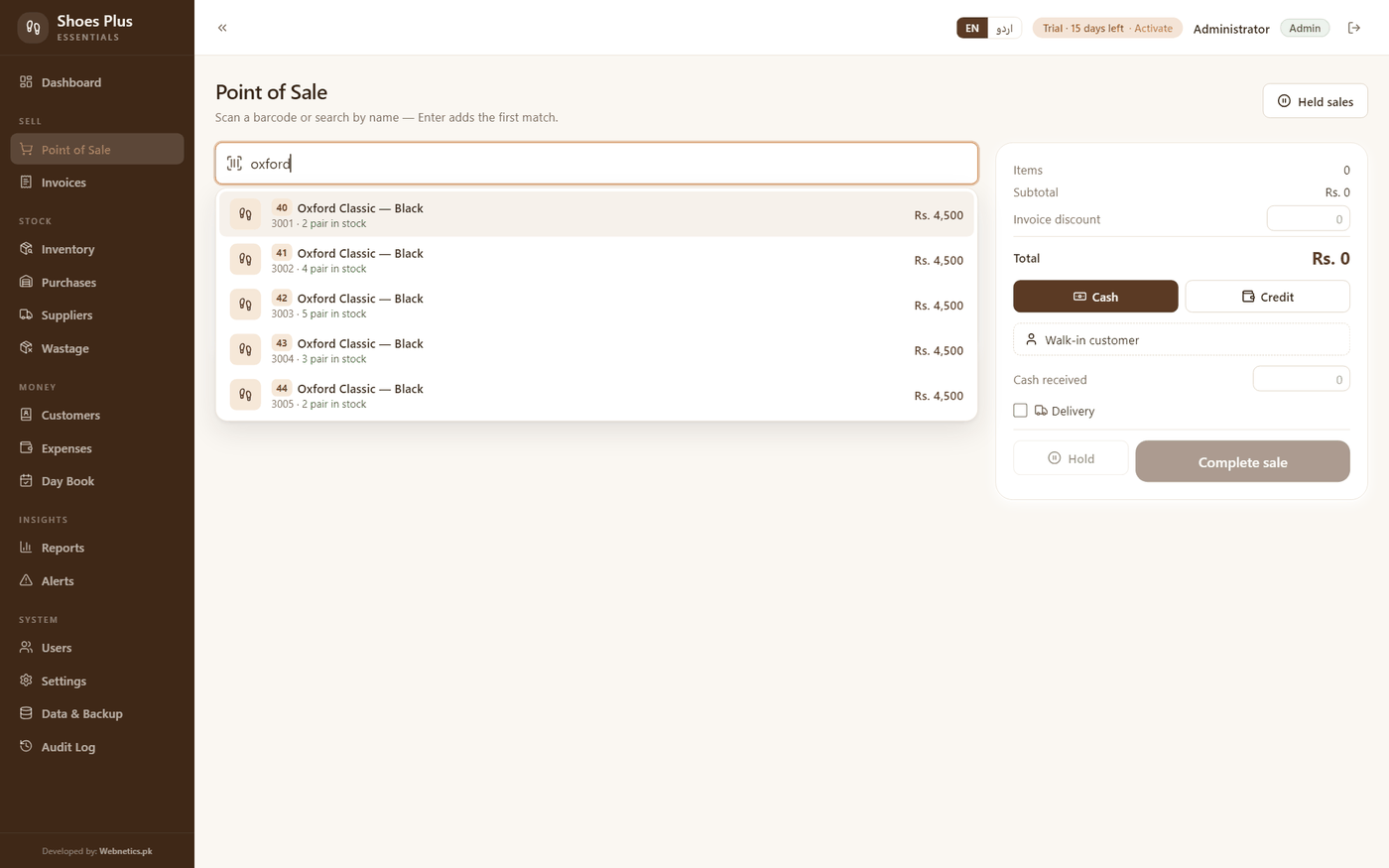
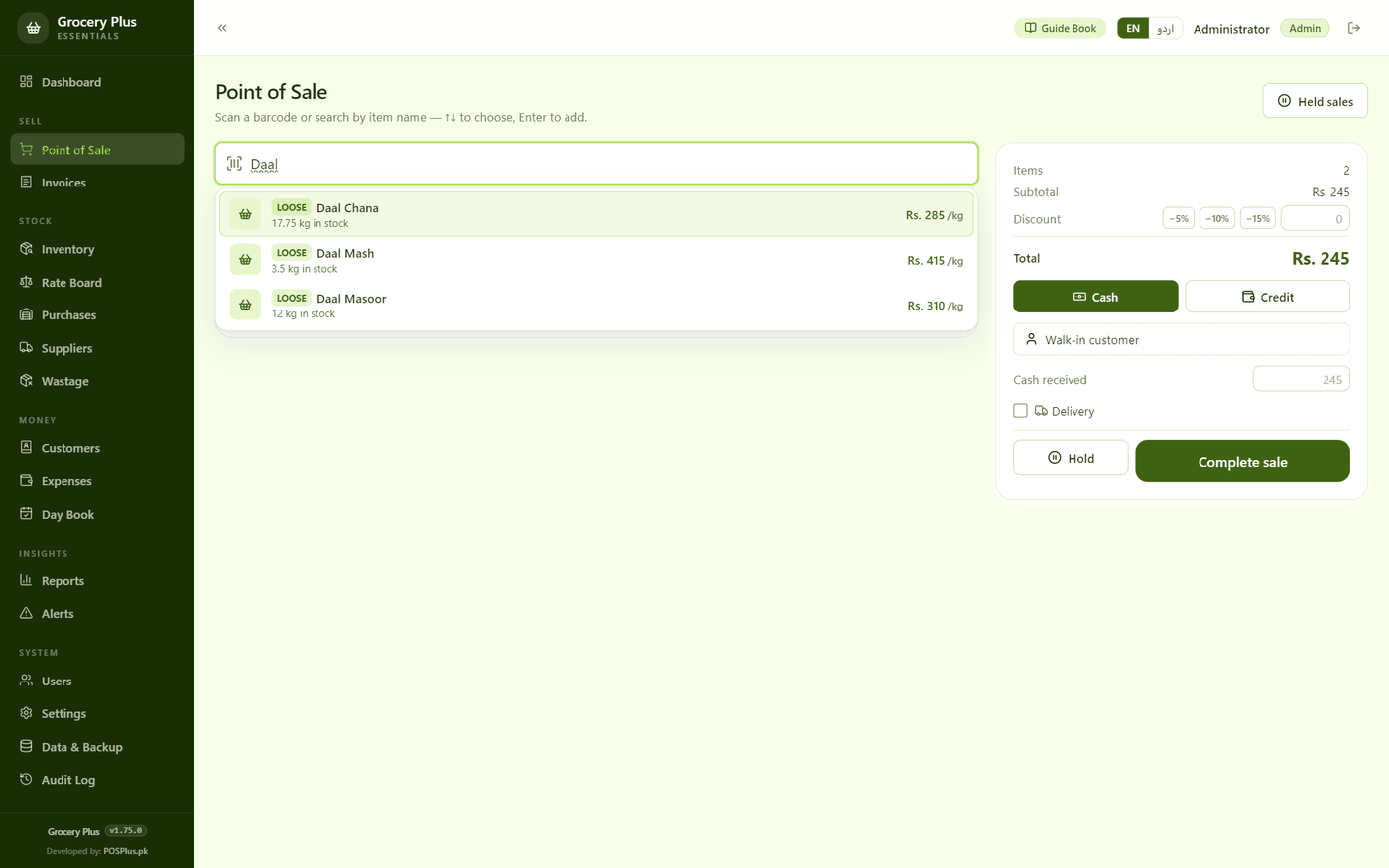
For kiryana & grocery stores — the tarazu, the rate board & the khata.
The way the counter already does. One part — say an oil filter — carries a row per brand and grade: Genuine, OEM, Local, China, each with its own price, cost and stock. The grade shows as a colour-coded badge in search and on the shelf list, and it prints on the bill, so what was sold is never ambiguous — in a return, in a reprint, or in a dispute.
Yes — the search box matches the part's name OR its number, everywhere: the POS, the inventory and purchase entry. Numbers are free text, so OEM numbers, cross numbers and the shorthand your counter already uses all work.
Two fields on every part: the rack label (R3-B, Godown 2 — whatever your shelves already say) shows as a 📍 chip right in the search results, and the vehicles it fits power a one-tap filter — everything for a Mehran, or a Corolla 2015+, in one list.
Open the bill, return the part, done — stock and the customer's khata stay correct on both sides. The grade printed on each line means a China part can never be returned against a Genuine bill.
Written by hand in the register a Pakistani shopkeeper actually uses — سیل، سٹاک، بل، ادھار، کھاتہ — with English words kept where everyone keeps them. Your cashier taps اردو once and the counter speaks their language; numbers stay familiar.
Only for a few seconds when you activate your license. Daily use — billing, stock, reports, backups — is 100% offline on your own computer.
Nothing about your business — ever. No sales, no customers, no amounts, no stock. When the app opens it sends only its machine code, which product it is and which version, so we know how many shops are running it and who needs an update. If there is no internet it simply carries on — nothing is stored up and sent later.
No. You pay once and the software is yours. The license is locked to your shop computer.
FBR digital invoicing is available on request — for registered businesses, we set it up with you. Talk to us on WhatsApp before you buy and we will tell you honestly what applies to your shop.
Your data is backed up automatically on the machine and you can copy backups to USB any time. Contact us and we will move your license to the new computer.
Yes. That blue notice is Microsoft SmartScreen being cautious with software from new publishers — every new Windows app shows it until enough people have installed it. Click “More info”, then “Run anyway”, and installation continues normally. The installer you download from this page is exactly the one we built.